Design anything. Make it real.
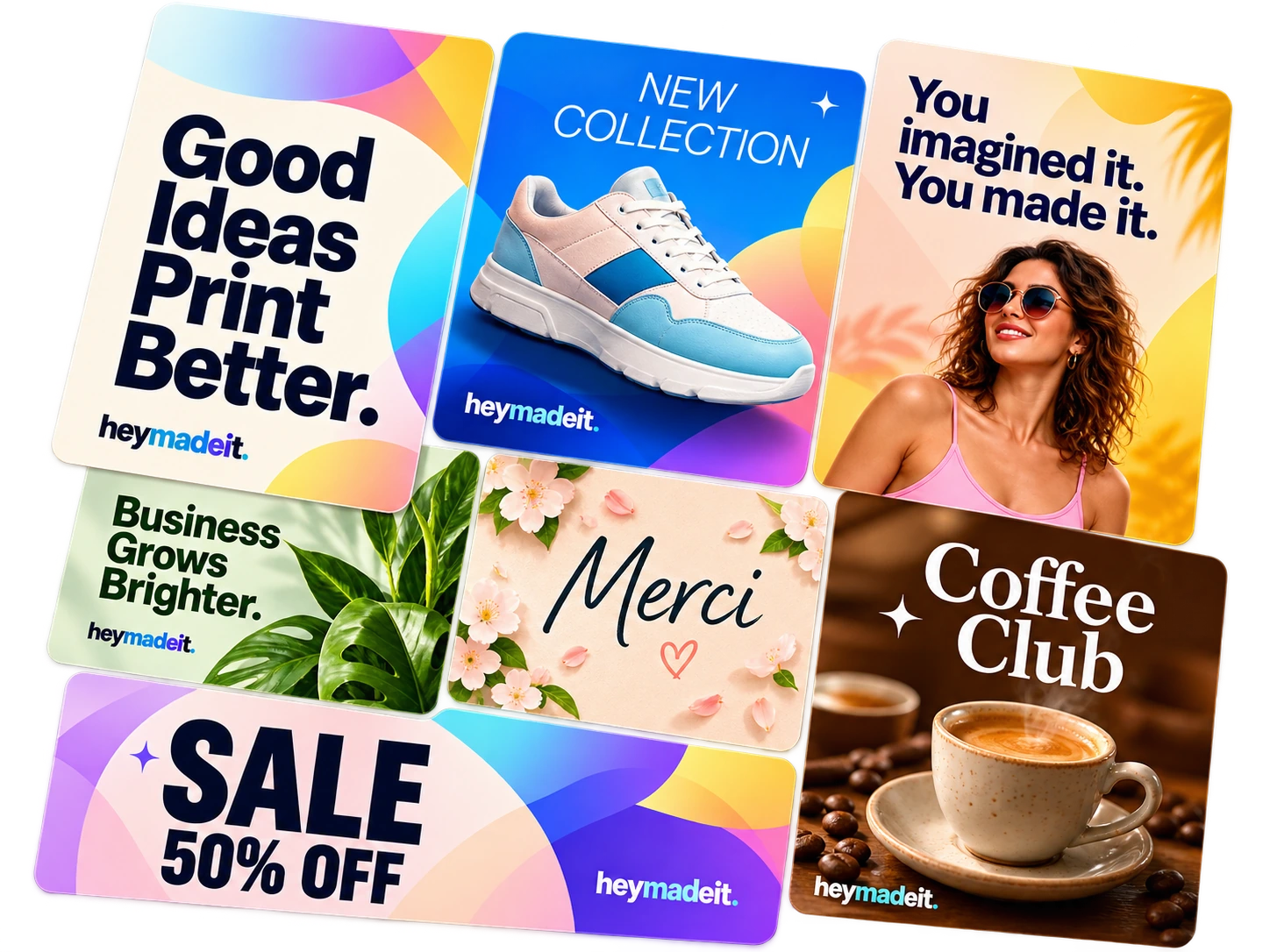
You imagined it. You made it.
Create designs for screens, presentations and professional print — all in one place.
13,119 templates to choose from
- Design in the browser
- Print-ready PDF
- Templates
- Presentations
What will you create today?
From first idea to finished designSee how it works
Design inspiration
Little ideas. Endless possibilities.
For screens. For print. For you.


Templates
Popular templates
See all: Popular templates-
 Winter squares
Bi-fold US Letter, 4 panels
-
 COLOR HOUSE — Painting company storefront sign
Yard sign 24 × 18 in
-
 Beer festival — 70s stripes
US Tabloid
-
 Halloween — dark night
Poster 18 × 24 in
-
 The bulge
US business card
-
 Scalloped arch
US business card (portrait)
-
 Knitting room
US business card
-
 Make the idea visible
US Tabloid
-
 Christmas market – Retro character
Banner 3 × 8 ft
-
 Christmas market – Nordic story
Banner 3 × 8 ft
-
 The slit of light
US business card (portrait)
-
 Knitted front
Folded card 7 × 5 in, 4 panels
Edit everything right on the page
Click a text and type. Drag pictures and shapes into place while guides show you when things line up. Undo anything you don’t like.
- Text effects such as shadow, outline, neon and curved text
- Align, distribute, group and lock elements
- Everything is saved as you work

Photos, shapes and fonts, right where you need them
Search for photos in the side panel and drag them straight into your design or into a frame. Shapes, lines and arrows take whatever colors you give them.
- 378 fonts for headings and body text
- 151 shapes and lines under Elements
- 2,183 hand-picked photos to start with
- Openly licensed photos from Openverse, with credits when the license asks for them


Present straight from your design
Make your slides in OnPrint Test and show them full screen. You move through them with the keyboard, hidden pages are skipped, and the presentation can play by itself.

Premium
Print-ready PDFs with Premium
Choose PDF Print when you download and you get a file a print shop can use as it is. No need to know the jargon – it’s built in.
- PDF/X-4
- The standard print shops work to
- CMYK
- Colors are converted for print with a print profile
- Gold and silver
- As spot colors, printed on their own
- 0.125 in bleed
- Colors and pictures run right to the edge
- Crop marks
- Show the printer where to cut

OnPrint Test prints it
When your PDF is ready, OnPrint Test can print it. The file is made the way print shops want it.
How it works
-
Pick a template
Search for what you need to make, or start from a blank format at the right size.
-
Make it yours
Change the text, colors and photos, drag things into place, and add shapes and fonts.
-
Download or print
Download your design as an image or a PDF, or as a print-ready file for the printer.
Browse templates by topic
See all templates-
 Birthday
137 templates
-
 Confirmation
122 templates
-
 Christmas
557 templates
-
 Business Christmas cards
393 templates
-
 Easter
72 templates
-
 Wedding
181 templates
-
 Invitations
615 templates
-
 Party
121 templates
-
 Business
316 templates
-
 Certificates
244 templates
-
 Business cards
801 templates
-
 Gift cards
36 templates
-
 Posters
839 templates
-
 Door posters
400 templates
-
 Flyers
3,623 templates
-
 Brochures
780 templates
-
 Booklets
598 templates
-
 Retractable banners
420 templates
-
 Social media
512 templates
-
 Presentations
287 templates
-
 Whiteboards
75 templates
-
 Menus
178 templates
-
 Banners
167 templates
-
 Signs
99 templates
-
 Logos
300 templates
-
 Stickers
424 templates
-
 Labels
822 templates
Premium, when you need more
Getting started is free. See what Premium gives you, and what it costs, on the pricing page.
Questions and answers
-
What can I make with OnPrint Test?
Anything from business cards, flyers and posters to social media posts, invitations and presentations. You start from a template or a blank format and edit the text, colors, photos and graphics right in your browser.
-
Do I need to install anything?
No. OnPrint Test runs in the browser on your computer, tablet or phone, and everything you make is saved to your account as you work.
-
What does it cost?
Creating an account and designing in OnPrint Test is free. The pricing page shows what Pro gives you and what it costs.
-
Is my design ready for a professional printer?
Yes. Download the design as PDF Print, a print-ready PDF/X-4 in CMYK with 0.125 in bleed and crop marks. OnPrint Test can print it, and you can also send the file to another printer.
-
Which file types can I download?
PNG and JPG for screens and social media, PDF Standard for sharing and office printing, and PDF Print for professional printing. Several pages can be downloaded together as a ZIP file.
-
Can I present straight from OnPrint Test?
Yes. Choose Present and your design is shown full screen, page by page. You move through it with the keyboard, and pages you have hidden are skipped.
Your next design starts here
Pick a template or a blank format and get going right away.